

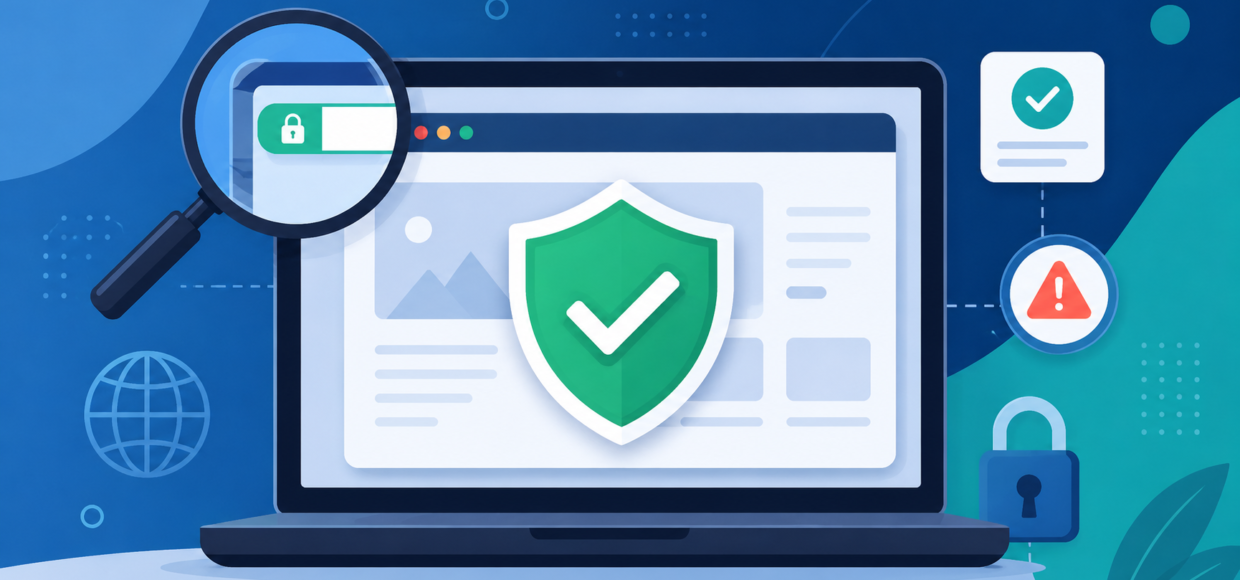

Is this website safe? That’s the first question worth asking before you buy from an online store you don’t already know. Online shopping scams cost consumers billions of dollars every year, and fake storefronts are getting harder to spot. A scam site today can have a polished design, working checkout, and even fake customer reviews — the same surface-level trust signals a real store has.
Table Of Content
The good news: you don’t need to be a security expert to check a website before you buy. A handful of free tools can tell you a lot about a domain’s history, reputation, and risk level in under a minute. This guide walks through what those tools actually check, how to read the results, and a quick checklist you can run through before entering your payment details on any unfamiliar site. By the end, you’ll know exactly how to answer is this website safe for any store, in under five minutes — and if online safety is a topic you like digging into, browse more technology guides on our site.
Why “It Looks Professional” Isn’t Enough
Scammers can clone an entire storefront — product photos, layout, even a working SSL certificate — in a day using off-the-shelf ecommerce templates. A clean design tells you the site works, not that it’s trustworthy. Real trust signals live one layer deeper:
- How old is the domain, and does its registration history make sense?
- Is it flagged on any malware, phishing, or scam blocklists?
- Do independent reviewers and security scanners have data on it at all?
- Does the business have verifiable contact and ownership information?
That’s exactly what website reputation checkers are built to surface. Here are four free ones worth bookmarking.
1. Google Safe Browsing (Transparency Report)
Google’s Safe Browsing tool checks a URL against Google’s own database of known phishing pages, malware distribution sites, and unwanted software.
What it’s good for: confirming a site isn’t actively distributing malware or running a known phishing scheme. What it won’t tell you: whether a brand-new scam store is legitimate — Safe Browsing only flags sites it has already detected.
2. F-Secure Online Shopping Checker
F-Secure’s Online Shopping Checker is purpose-built for exactly this question: is this website safe to shop on? You enter a store’s URL and it’s scanned against a database of millions of previously analyzed shopping sites, factoring in SSL setup, server details, user reviews, and expert security analysis.
Good to know: newer or lower-traffic stores sometimes come back as “not yet reviewed” — that’s a neutral status, not a red flag.
3. GridinSoft Website Reputation Checker
GridinSoft’s Website Reputation Checker combines automated scanning with community-reported data — blocklist status, domain intelligence (registrar, hosting, age), and live page behavior — into a trust score with a written verdict.
4. WHOIS Lookup (Who.is)
A WHOIS lookup shows you the underlying facts: who registered the domain, which registrar manages it, when it was created, when it expires, and which name servers it uses.
What to look for:
- Very recent registration date on a site claiming to be an established business
- Registrant details hidden behind full privacy protection
- A registration history that doesn’t match the “About Us” story
Is This Website Safe? Your 5-Minute Checklist
- Run it through Google Safe Browsing and F-Secure’s Shopping Checker.
- Check the domain age on Who.is.
- Look for real contact information (address, phone, monitored support email).
- Search for independent reviews, not just on-site testimonials.
- Confirm secure checkout (https, valid SSL, recognizable payment processors).
- Read the return/refund policy before you buy, not after.
What If a Site Comes Back “Not Yet Reviewed”?
This confuses people because it sounds like a warning — it isn’t. It simply means the checker’s database doesn’t have enough data on that URL yet. If you’re the shopper, fall back to the manual checklist above. If you’re the site owner, submitting your URL for review plus strengthening trust signals (visible contact info, verifiable registration, genuine reviews) is what moves a store from “unreviewed” to a confirmed safe rating over time.
The Bottom Line
There’s no single tool that answers is this website safe with complete certainty, but layering a couple of automated checks with a manual look at domain age and contact information gets you a reliable picture in under five minutes. Make it a habit for any store you haven’t bought from before.



[…] a store or app before you hand over payment info while you’re at it, our guide on how to check if a website is safe or a scam covers that […]
[…] up in a shopping ad — it’s worth a quick trust check. We’ve put together a full website safety checklist that walks through four free tools for verifying a store before you enter payment details, which […]